


Elkay Manufacturing
Elkay aimed to transform its legacy digital platforms and to implement a user-centered design practice across a growing ecosystem of customer-facing portals, internal tools, and connected products in the context of the company’s multi-year digital transformation.
As sole UX Designer I drove this shift by integrating user-centered design practices across the product ecosystem. I planned and conducted usability testing, journey mapping, ecosystem mapping, empathy mapping, and persona workshops, and converted research findings into scalable design guidance across several products. Simultaneously, I partnered with a developer to build shared design systems and introduced prototyping workflows to enhance consistency, bridge the divide between teams, mitigate ambiguity and risk, and lay down holistic UX architecture to support Elkay’s long-term digital vision.
Tools Used:
Sketching, Photoshop, Figma, FigJam, Canva, Maze, Cursor
Team Size - 10+
2014 - 2019
Enterprise and Ecommerce
Role - UX Lead
Implementation of User Centered Process
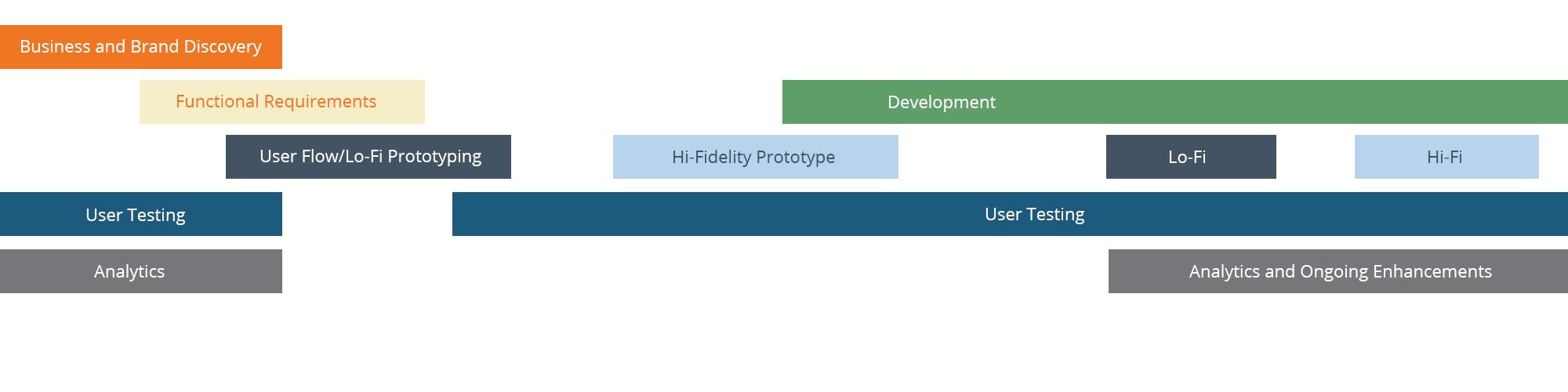
The UX process demanded a fresh focus on closer interaction with end users which resulted in the team able to collect significant insights into their behaviors and the challenges they faced when interacting with Elkay’s web properties. Applying the new approach required much iteration on aligning the team with new ways of working (qualitative and quantitative studies, design workshops, design systems implementations, and a full prototyping flow from low fidelity to high fidelity). The transformed process was well received, enhancing both cross functional teamwork and user engagement.
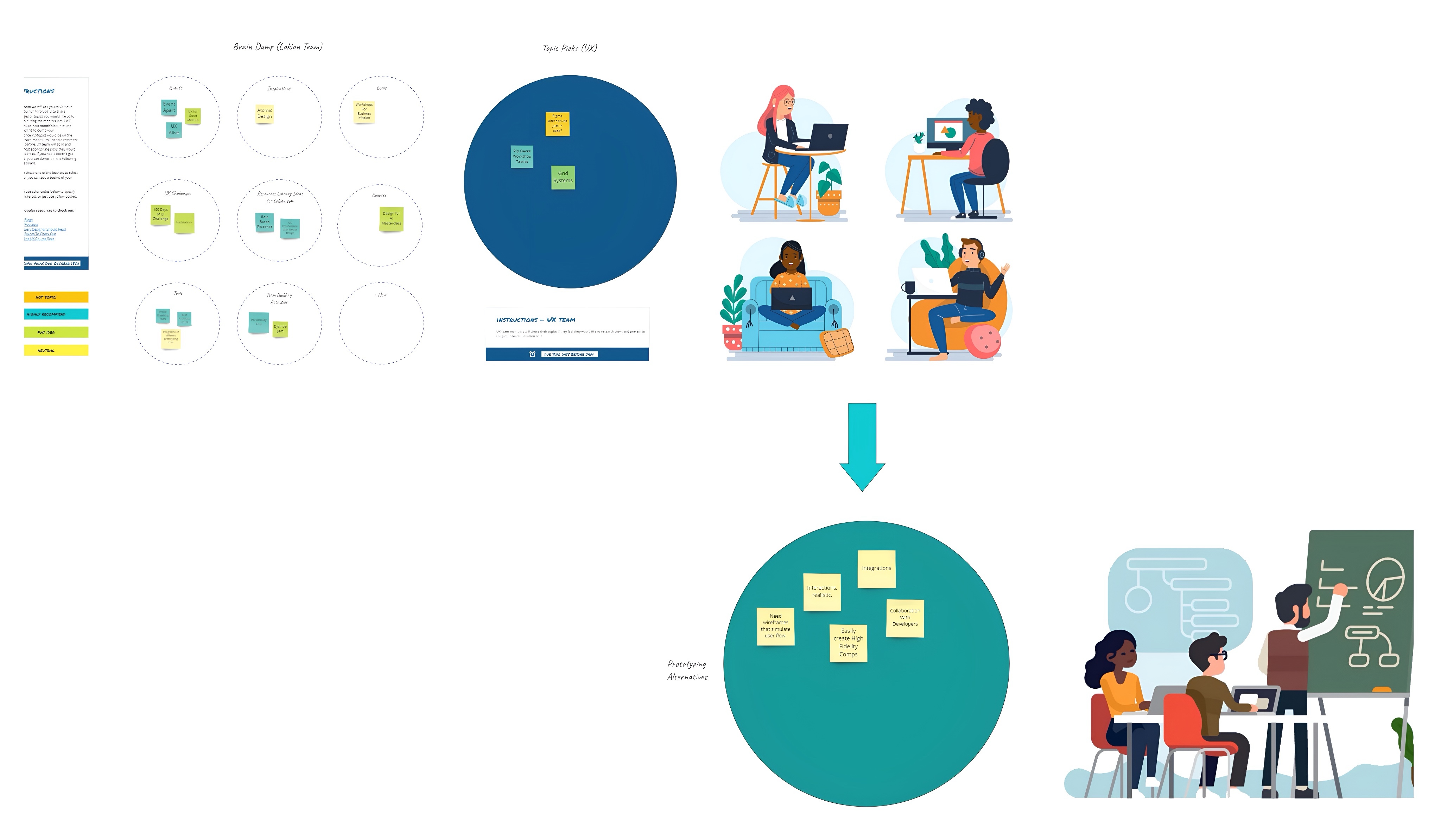
Workshops and UX Meetups
To strengthen collaboration across Elkay’s organization, I designed and facilitated structured UX workshops that intentionally brought together marketing, product, engineering, customer service, and design into a shared, user-centered process.
Impact on delivery and outcomes:
- Broke down functional silos and increased shared ownership of the user experience
- Reduced handoff friction between teams by aligning early on goals and constraints
- Accelerated delivery of cohesive, user-centered solutions across multiple platforms
- Enabled more consistent UX decisions across marketing sites, portals, and tools
Design System
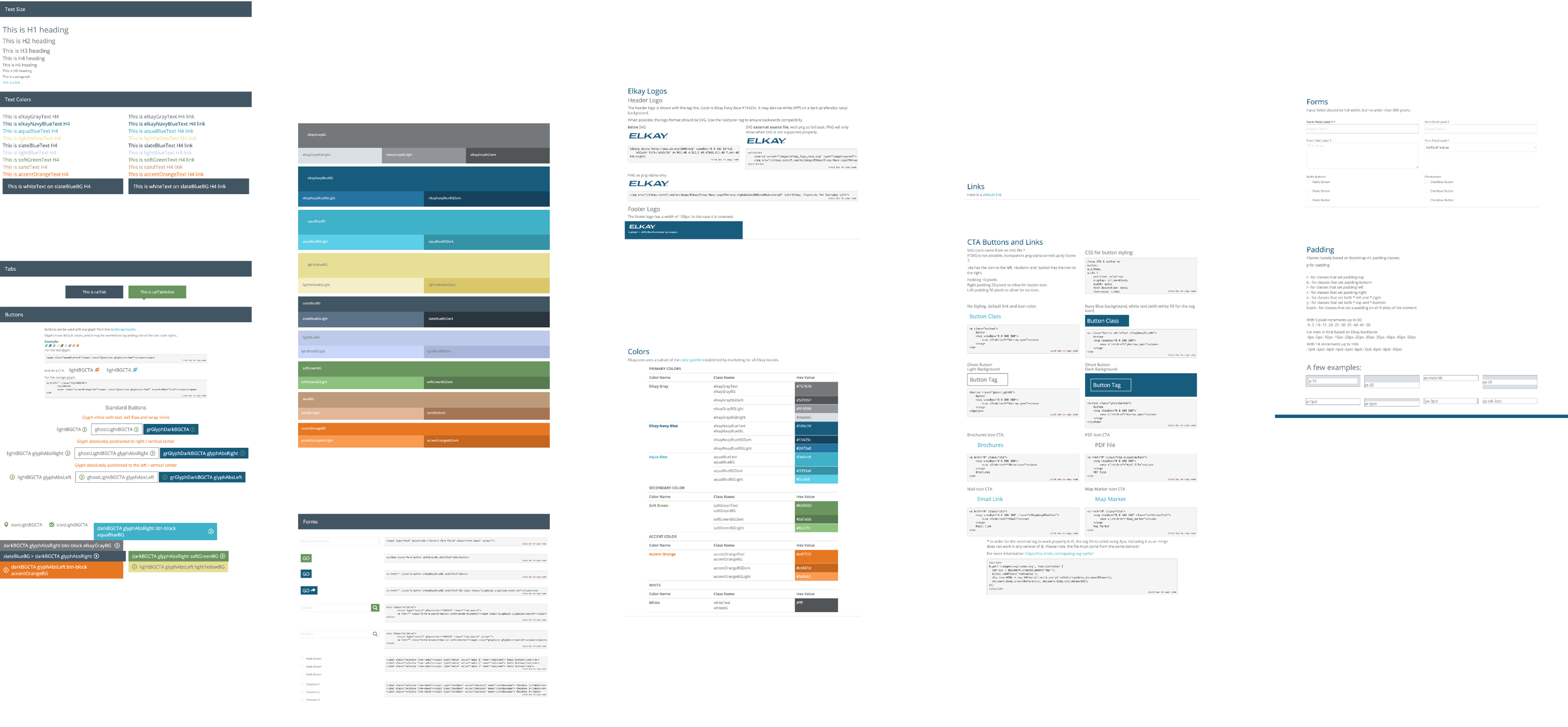
The Elkay Design System is a front-end framework based on Bootstrap with HTML and custom CSS that allows for consistent and scalable visual and interactive patterns throughout Elkay’s web properties. Fundamentally, the design of this system is reusable UI components — typography scales, color schemes, buttons, forms, tables and layout styles built on Bootstrap’s responsive grid and utility classes, with custom classes added to adhere to Elkay’s brand identity. The accompanying style guide documents brand assets such as logos, fonts, color values, link styles and the use of various components and acts as a single source of truth that guides developers and designers in building interfaces that look and behave consistently. The Elkay design system leverages Bootstrap’s strong, mobile-first foundation with custom CSS rules and explicit documentation to simplify development, minimize duplication and provide a consistent user experience across all of Elkay’s digital assets.
Individual Case Studies
MyezH2O
A portal to track status of bottle filling stations.
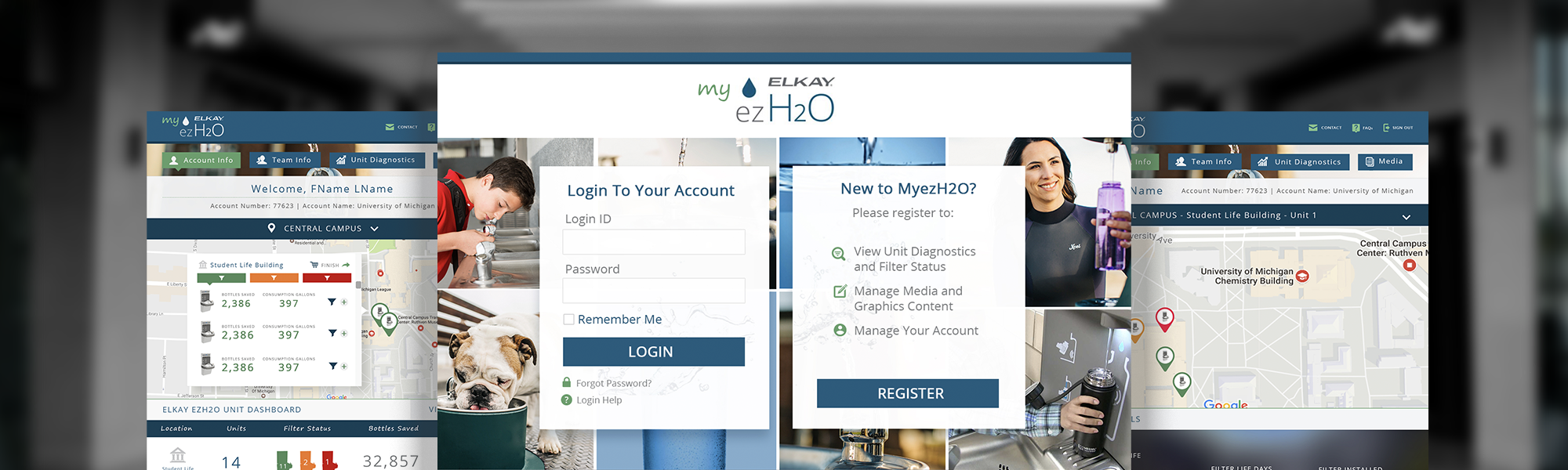
Elkay filtered ezH2O bottle filling stations reduce lead and other harmful contaminants, delivering clean water and sustainable design. It provides a rapid fill of drinking water to quench thirst and minimize plastic bottle waste in the environment.
MyezH2O is an online portal that allows users to track their bottle filling stations, view unit diagnostics and filter status, manage media and graphics content, and manage their accounts. The app is ideal for businesses that use bottle filling stations across large establishments such as gyms, schools, and airports to track the number of bottles saved as well as receive reminders when a filter needs to be changed to keep the water clean and filtered.
This is meant to be a solution to make environmentally friendly ways to stay hydrated easy to come by, saving environmental resources and money!
Tools Used:
Sketching Board, Photoshop, Figma
MyElkay
An order inquiry online tool for Elkay's reps.
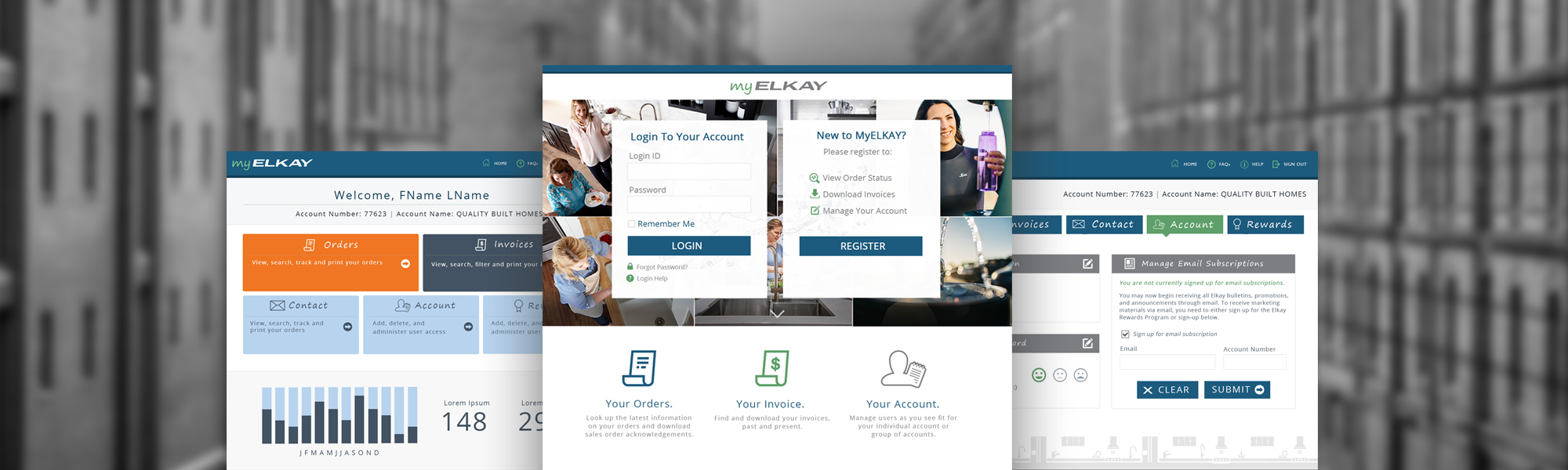
MyElkay is an online portal for order inquiries for any of Elkay's reps. It is one of the first projects at Elkay with which I have introduced the UXPin collaboration and prototyping tool to the team. It allowed me to easily share and get incremental feedback on multiple layout iterations. It was a fun project as I got to collaborate with development teams more than with regular projects at Elkay.
The challenge was to design a step-by-step process to search orders and view them with the help of more robust search functionality and display of search results. Some of the main activities for the app's users to complete while using MyElkay were:
- Look up the latest information on orders and download sales order acknowledgments.
- Find and download invoices, past and present.
- Manage users for individual and group accounts.
After the launch of the product, we handed out a survey in which 91% of users were pleased with the redesign and considered the tool extremely user-friendly.
Tools Used:
Sketching Board, Photoshop, UXPin
Unity
An order entry and inquiry app.
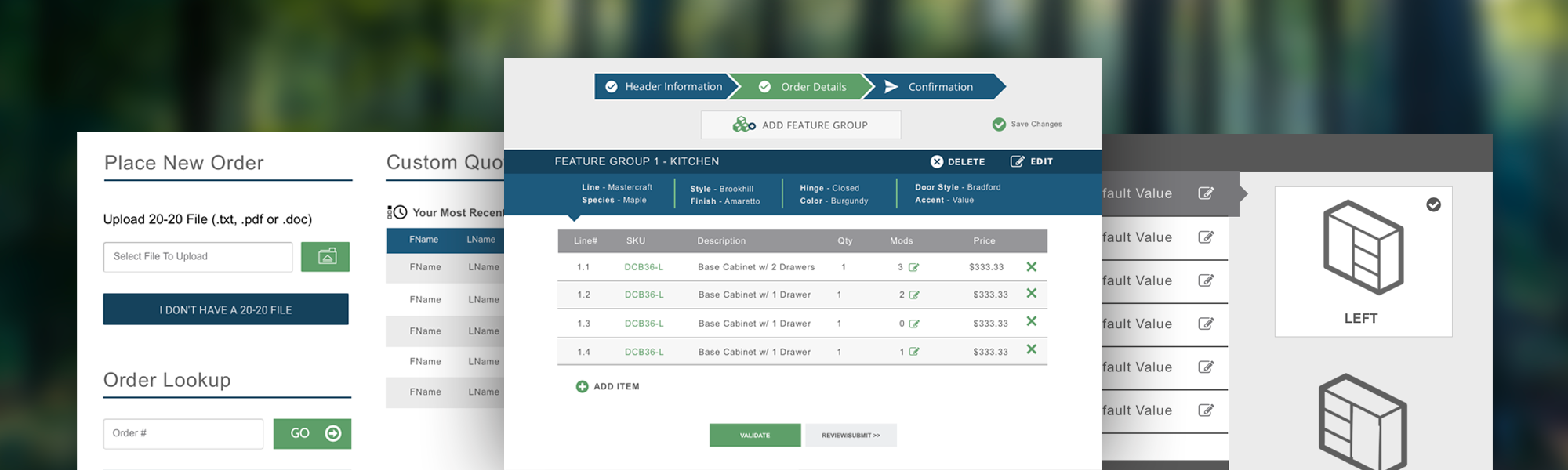
Unity is a product ordering portal designed to help sales reps and customers configure and submit cabinetry orders at scale. Unlike standard product ordering, cabinetry requires managing multiple style groups—where a single order may include distinct cabinet styles, finishes, and configurations across different spaces or use cases.
The portal enables users to organize cabinets into logical style groups, apply shared attributes consistently, and manage variations without losing clarity or accuracy. This grouping model reduces ordering errors, speeds up configuration, and supports complex real-world scenarios where projects span multiple rooms, styles, or customer needs.
Unity complements Elkay’s broader digital ecosystem by addressing a different phase of the sales workflow—moving beyond visualization into structured, rules-driven order submission for highly configurable products.
Tools Used:
Sketching Board, Photoshop, UXPin

Additional Landing Pages, Portals and Websites
Collaboration With Internal Stakeholders at Elkay Manufacturing
Responsibilities:
-
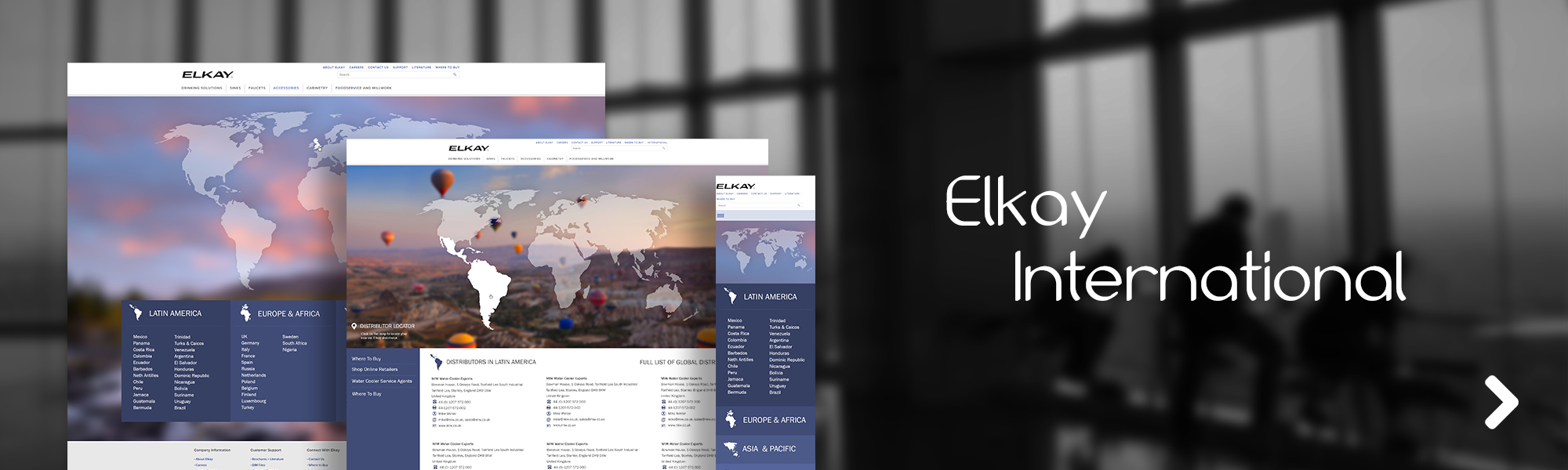
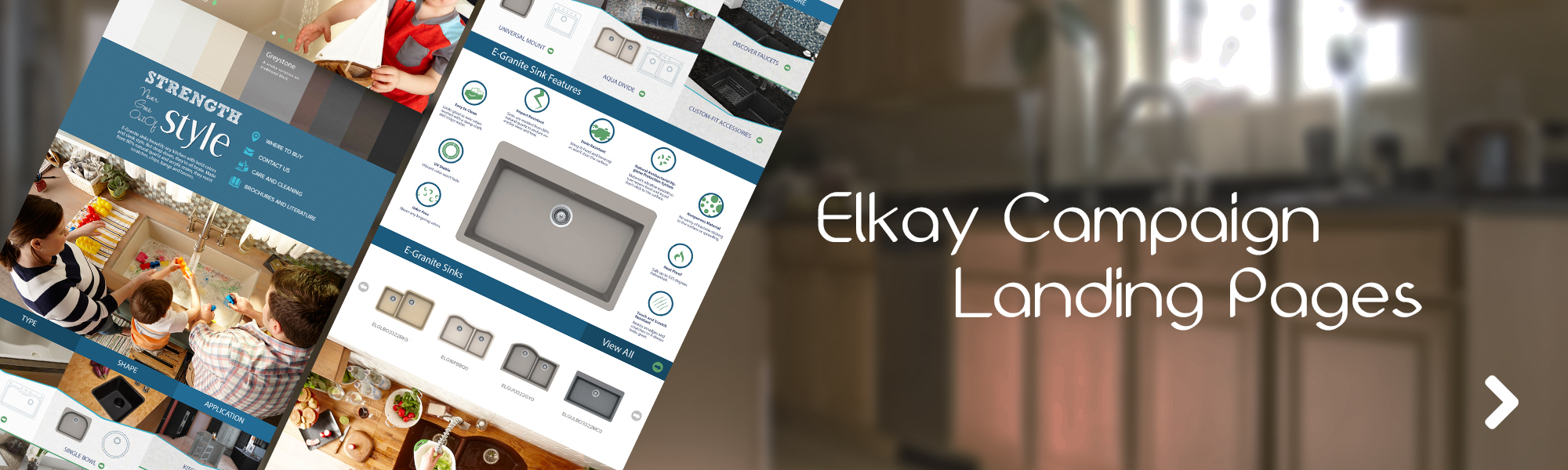
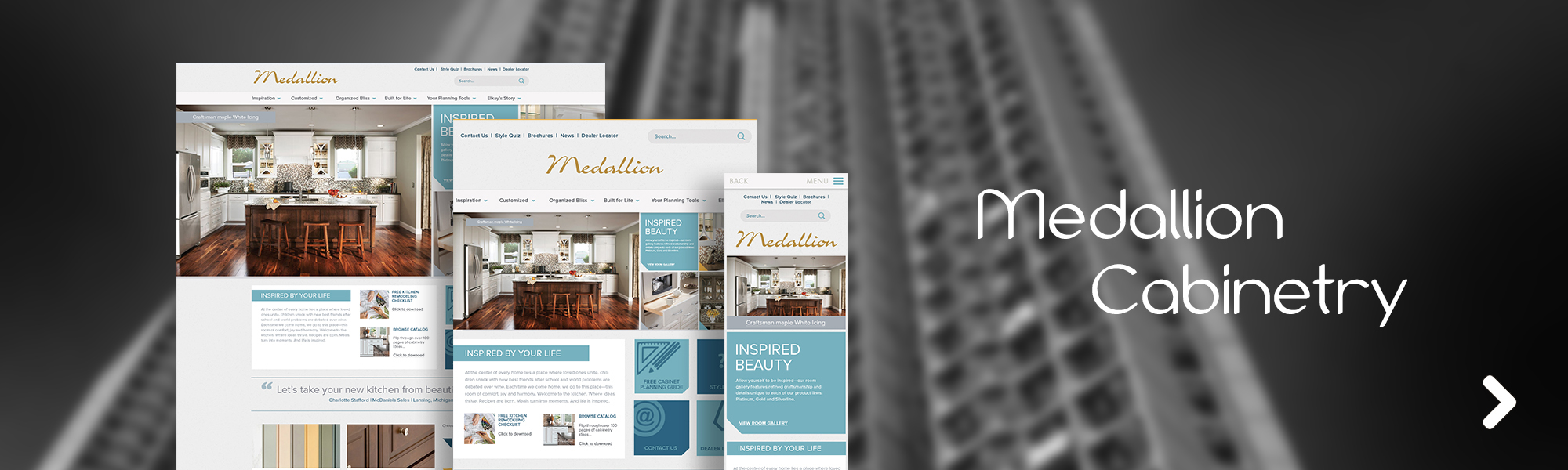
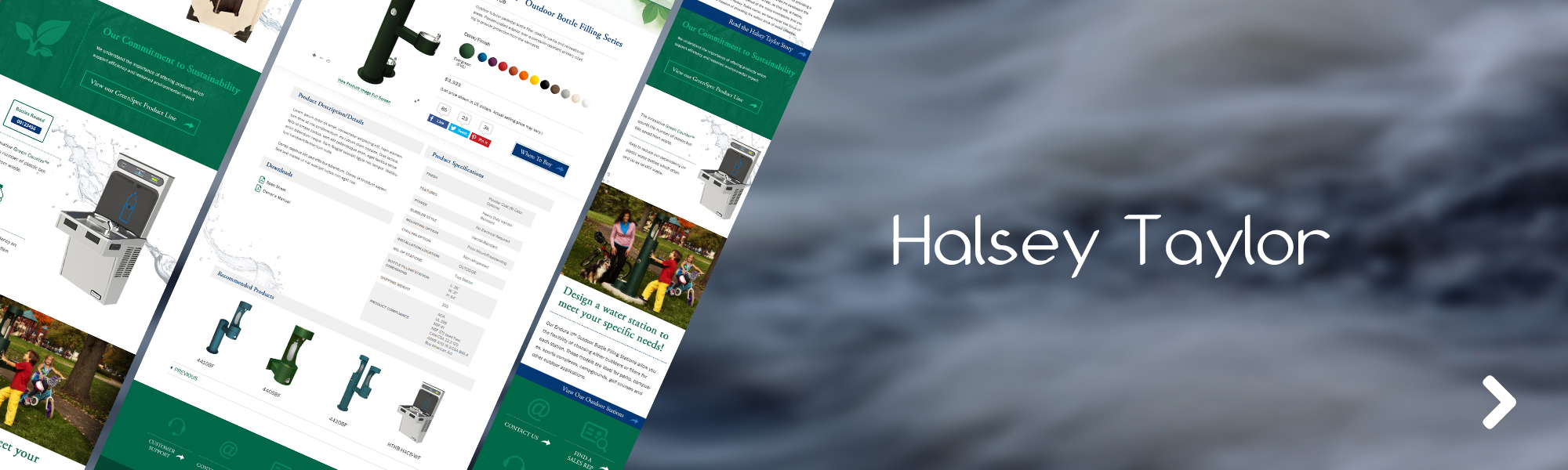
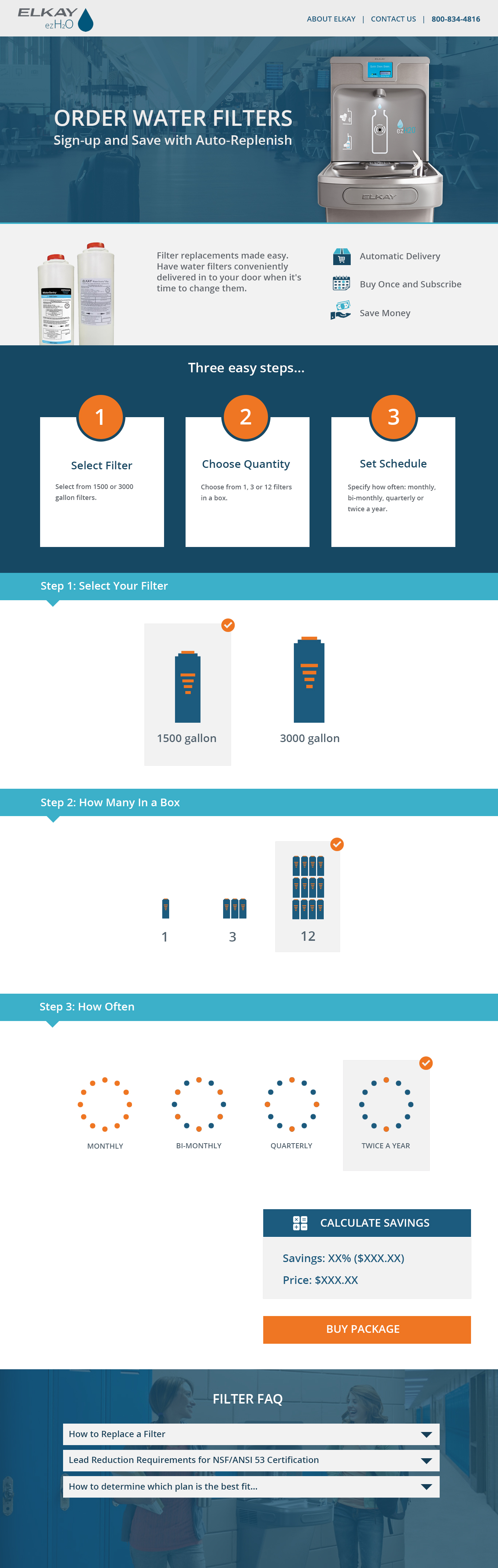
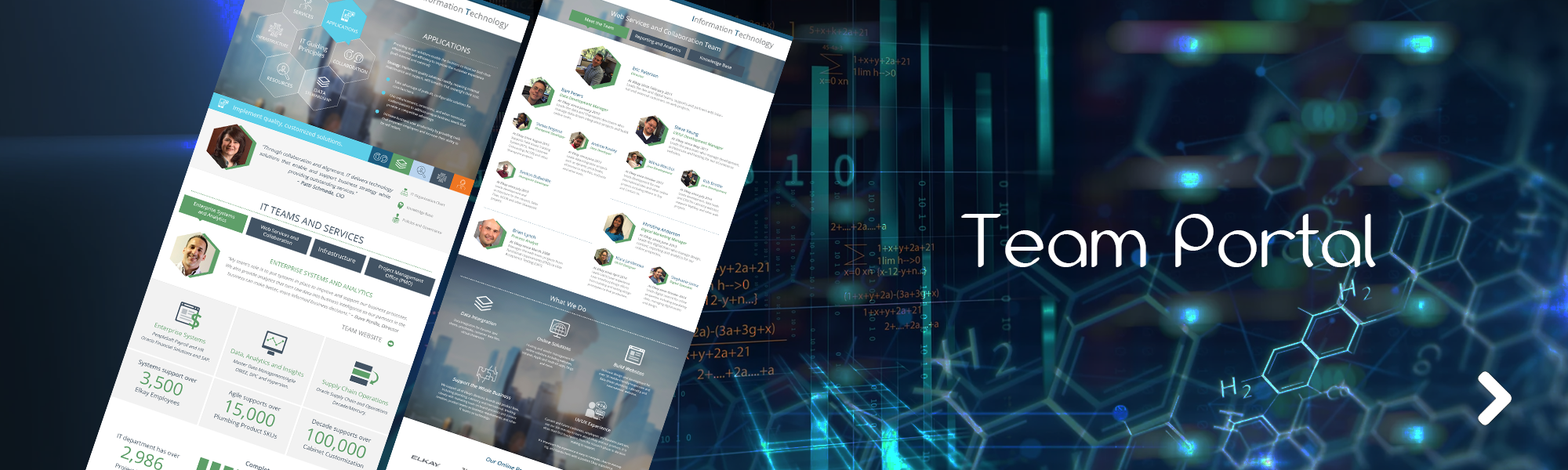
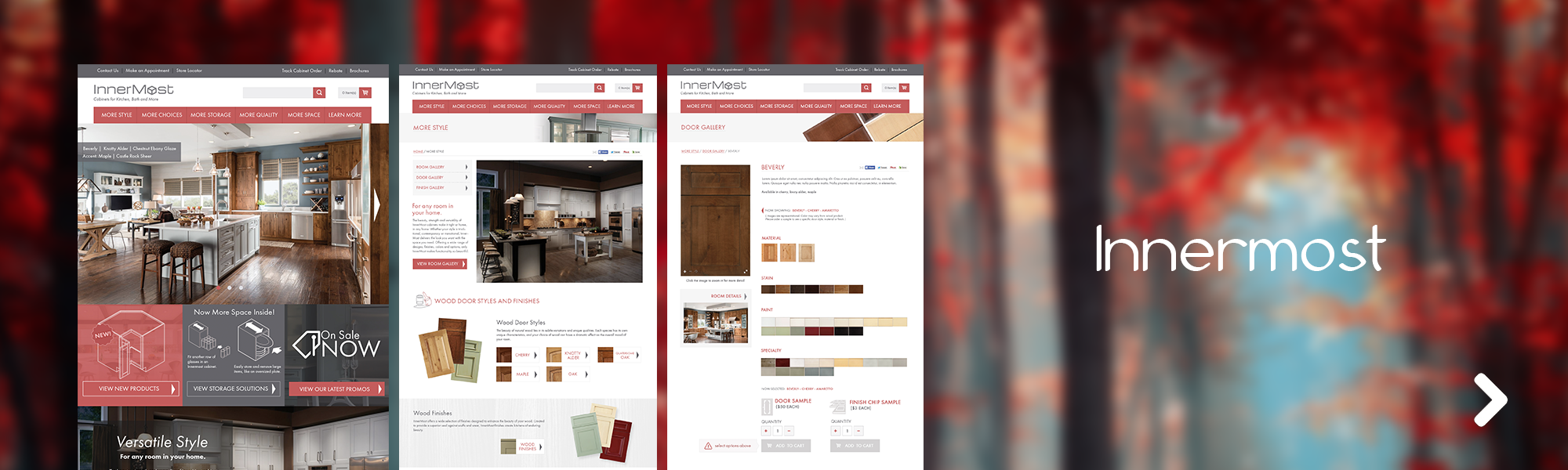
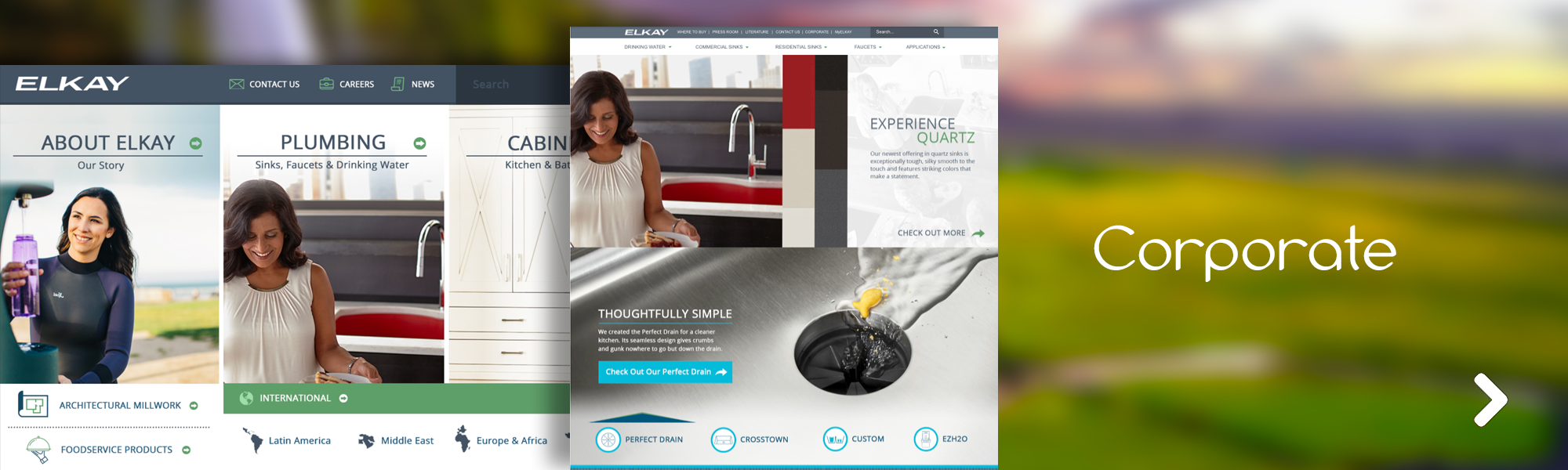
Management of UX/UI and visual design for Elkay's large-scale, data-driven plumbing and cabinetry web properties and employee portal IT homepage.
-
Management of sketching/ideation workshops.
-
Rapid prototyping and user testing of unstructured and structured content pieces.
-
Development of CSS3/HTML5 style guide for Elkay's web properties.
-
Front-end web development and responsive design best practices for unstructured content.
-
Collaboration with product managers, marketing, business analysts, and web development teams from communication efforts of business and functional requirements to design and execution of the final product.
-
Development and incorporation of more user-facing design process, meeting end users to conduct interviews and usability testing.
-
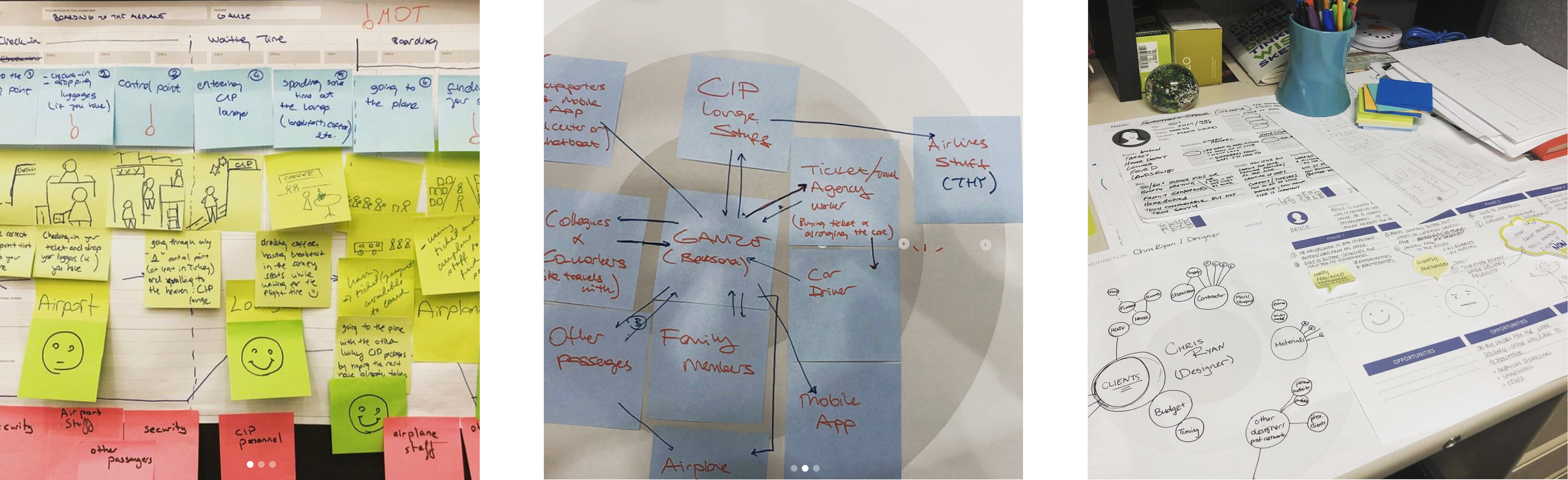
Planning and execution of design workshops including ecosystem mapping, persona creation, journey mapping, and empathy mapping.
-
Design system creation within UXPin collaboration and prototyping tool.
-
Quality assurance and keeping track of the success of core KPIs through Google Analytics.
-
A/B testing, regression testing, five-second testing, and card sorting.
Tools Used:
Sketching Board, Photoshop, Ilustrator, UXPin, Dreamweaver, CSS3/HTML5, IBM Websphere, Sharepoint, Whiteboard
Key Takeaways
“Klara was on my team for about five years, helping me lead digital initiatives at a 100 year old manufacturing company. As our first UI/UX designer, she shared her vision and shaped our UX process: from discovery and research; prototypes and style guides; to user testing and development. She's collaborative, creative, strategic and thoughtful with her approach, a wonderful colleague!” ~ Khristine Anderson
The redesign improved both user experience and team alignment by clarifying navigation, reducing cognitive load, and supporting faster decision-making across complex product journeys. Engagement with product and comparison content increased, while reliance on support declined—indicating stronger self-service and user confidence. In parallel, the work established a shared UX decision framework across product, engineering, and business teams, grounding decisions in research and usability insights rather than opinion, and enabling a more scalable, user-centered process.
-
91% of user found order management portal very user friendly.
-
Reduction of landing page bounce rate by 20%.
-
Led expansion of UX process, mentoring digital teams of 10-20 on design thinking, new collaboration systems, and consistent component libraries.
Ethnographic research and usability testing directly informed design decisions, leading to increased user engagement and stronger adoption of the platform.